Log the spot, board, conditions and how it felt when you get out of the water. Build a session history you'll actually use the next time you paddle out.

From the App Store
Real reviews from surfers using Surf Log to record sessions, conditions and progress.
The interface is clean, intuitive, and the goal-tracking feature is a great motivator.
I’ve been learning to surf for 3 years and used the Notes app to write down my sessions. I wish I’d had an app like this from the beginning!
Great new improvements to the app - thanks for all the updates - keep the new features coming!
Screenshots
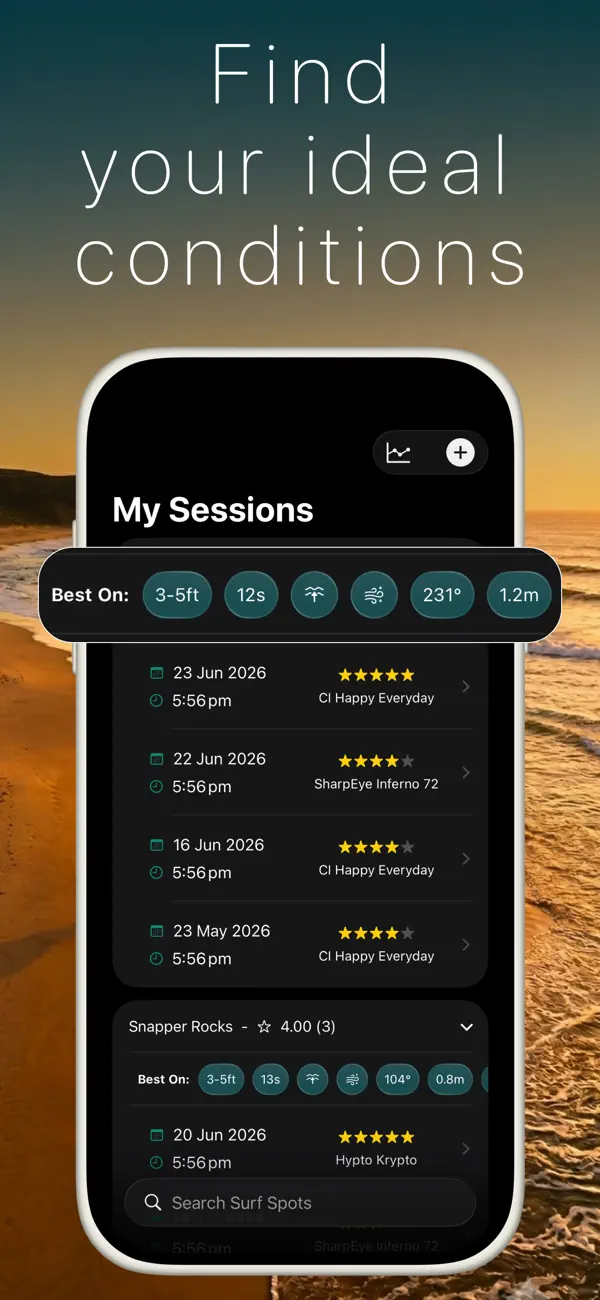
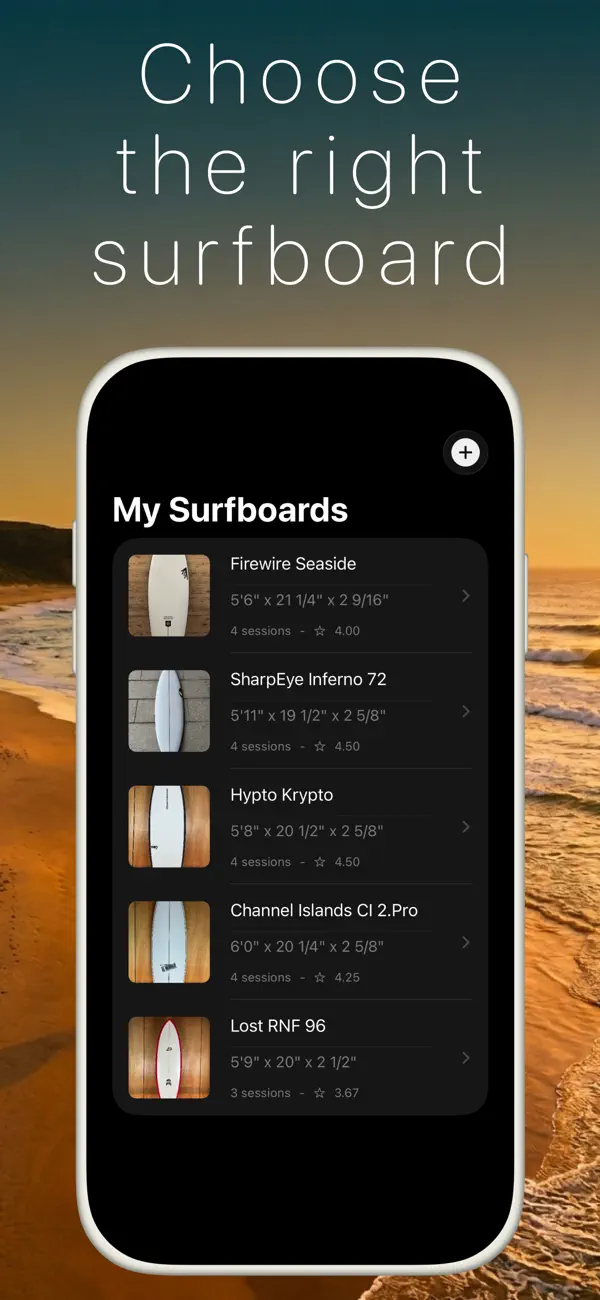
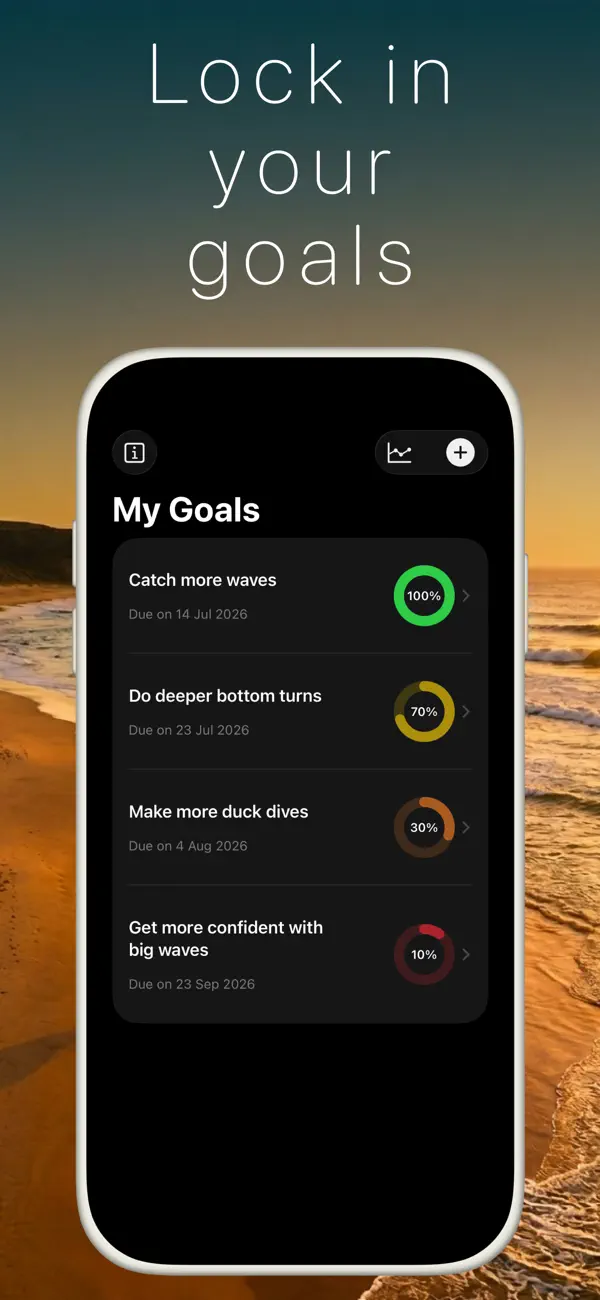
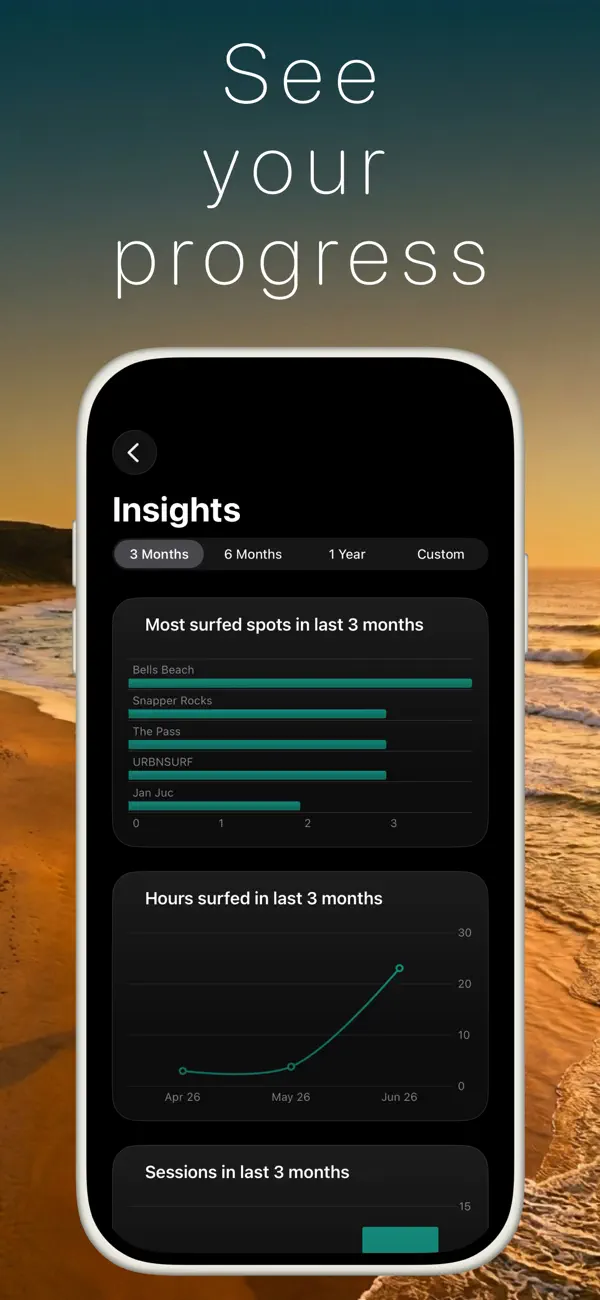
Sessions, quiver, goals and conditions in one place.
How it works
Three steps, straight after you towel off, built around how surfers actually log a session.
Pick the spot with the surf spot picker, set date, time and duration, choose the surfboard you rode, and rate the session.
Record wave size, wind, tide and ocean conditions plus notes, so you can later see exactly what made a good day good.
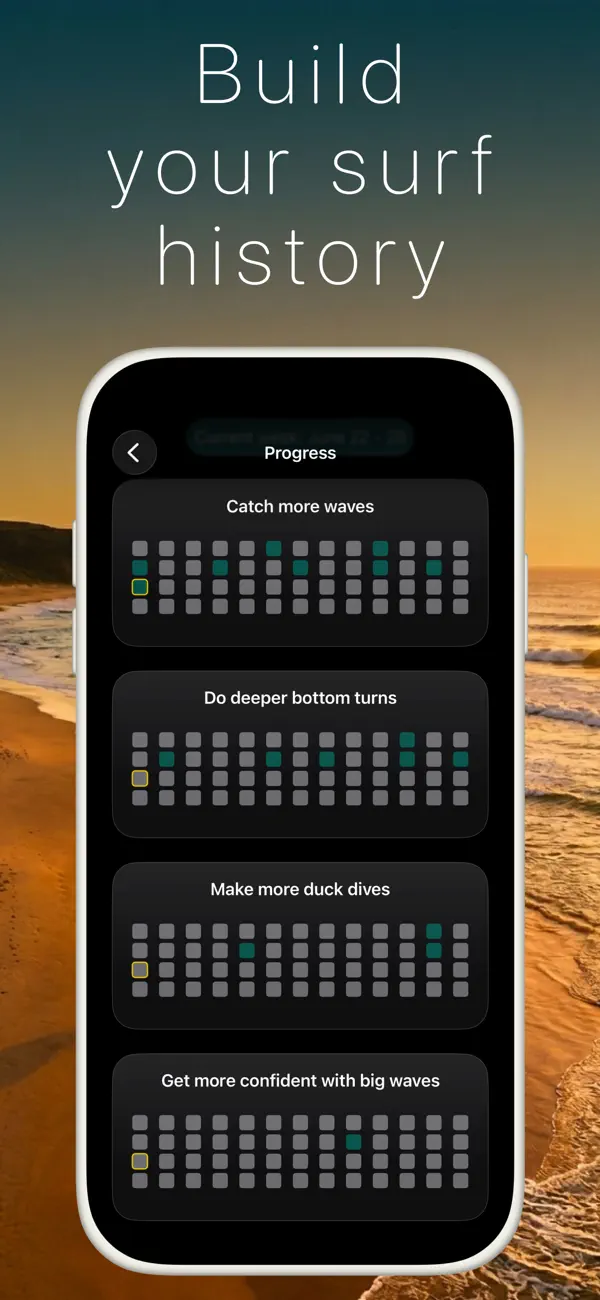
See your history by spot and board, track goals and habits, and understand your progress over time. Synced with iCloud.
Why Surf Log
Spot, board, conditions, rating and notes, all in one entry. Every session follows the same structure, so your history stays useful.
Add the boards in your quiver, choose what you rode, and build a real board history. The next time conditions change, you have more than guesswork.
Review your time in the water, goals, habits and best sessions across months. iCloud keeps the same log available on your supported devices.
Guides
Practical guides on journaling, progress, boards and conditions.
Compare manual surf journals with Apple Watch options for automatic wave tracking.
Read the guide → JournalingWhat to record after each session, plus a routine you can keep up.
Read the guide → ProgressUse session history to see what is changing, even when day-to-day progress is hard to feel.
Read the guide → QuiverCompare boards against the sessions and conditions where you rode them.
Read the guide → No watchA manual logging approach for surfers who want to record each session.
Read the guide → ConditionsSwell, wind and tide. Learn your break's sweet spot from your own logged sessions.
Read the guide → GoalsTurn "surf more" into a plan you can check against your session history.
Read the guide → Wave poolsTypical water temperature at URBNSURF Melbourne and Sydney, month by month, with the wetsuit to match.
Read the guide →FAQ
Surf Log is a free iPhone app built specifically for logging surf sessions. After each surf you record the spot, date and duration, the surfboard you rode, wave, wind and tide conditions, a session rating, and notes. This builds a searchable history of your surfing. Compare surf journal apps →
Record the same few things after every session: where you surfed, when, for how long, which board, what the conditions were, how it felt, and one thing you worked on. Surf Log turns this into a 60-second routine. Learn more →
Yes. Surf Log uses quick manual entry instead of a smartwatch, so there's nothing to wear in the water and no battery to manage. It works on any iPhone running iOS 17.2 or later. Learn more →
Add each board in your quiver to Surf Log and pick the board you rode when logging a session. Over time, compare session ratings by board to see which surfboard performs best for you in different conditions. Learn more →
Surf Log keeps your full session history: spots, boards, conditions, ratings, goals and habits. Review time in the water, your best sessions and the conditions behind them, and watch your progress build month over month instead of staying a feeling. Learn more →
Wave size, wind direction and strength, and tide at minimum. Surf Log has structured fields for all of them, so patterns emerge at your local spot. Learn more →
Yes. It is free on the App Store for iPhone (iOS 17.2+), around 42 MB. Download it here →
Yes. iCloud sync keeps sessions, surfboards, goals and notes available across your devices. Learn more →
Free · iPhone and iPad · iCloud sync · 4.86★ on the App Store